Interactive EXAMPLES

PROJECTS

INTERACTIVE EXAMPLES

Application interfaces are for illustrative purposes.
Final interface layout and design will be dictated by features, branding materials, and creative agency direction.
Tablet Example

Forma iPad

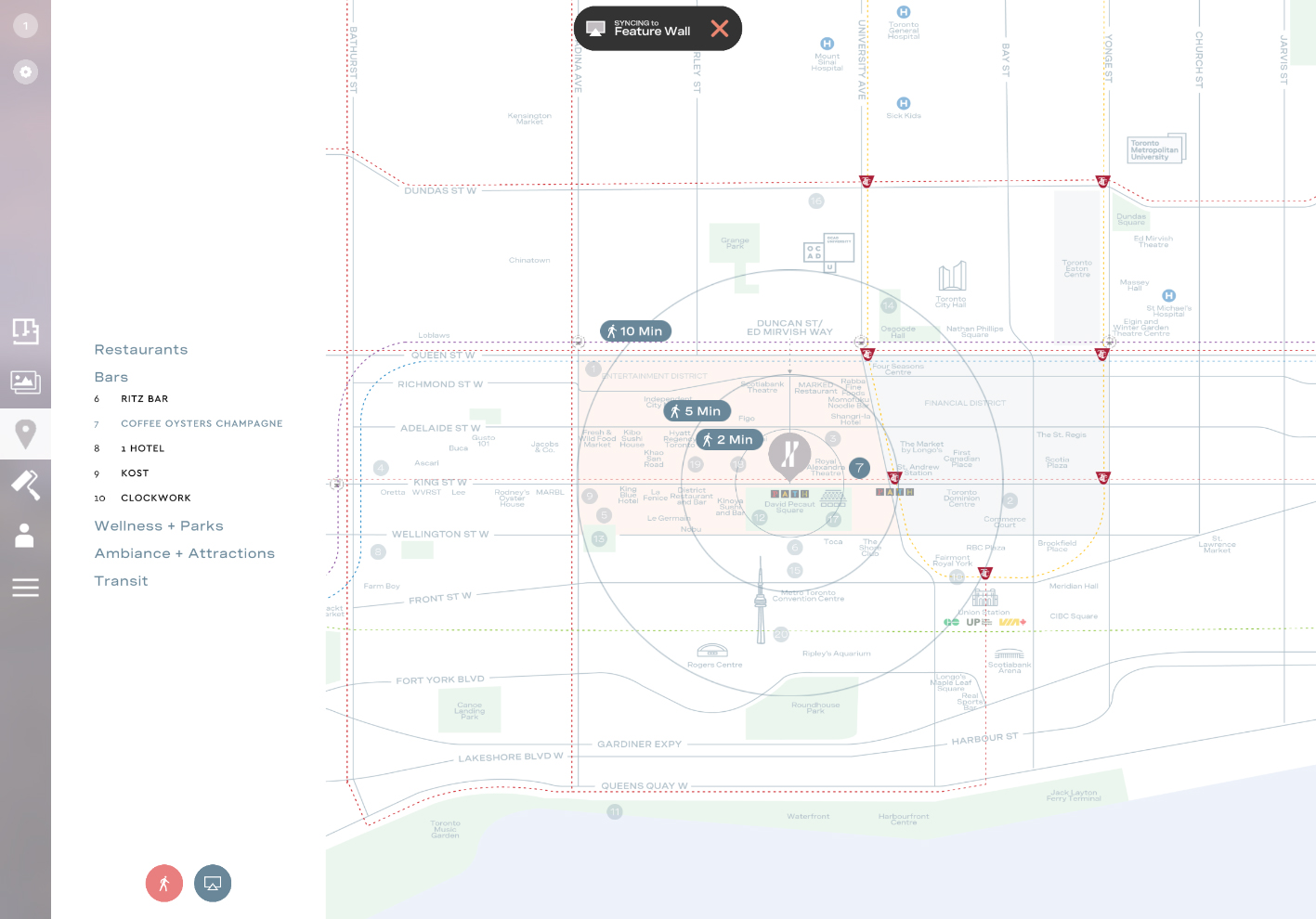
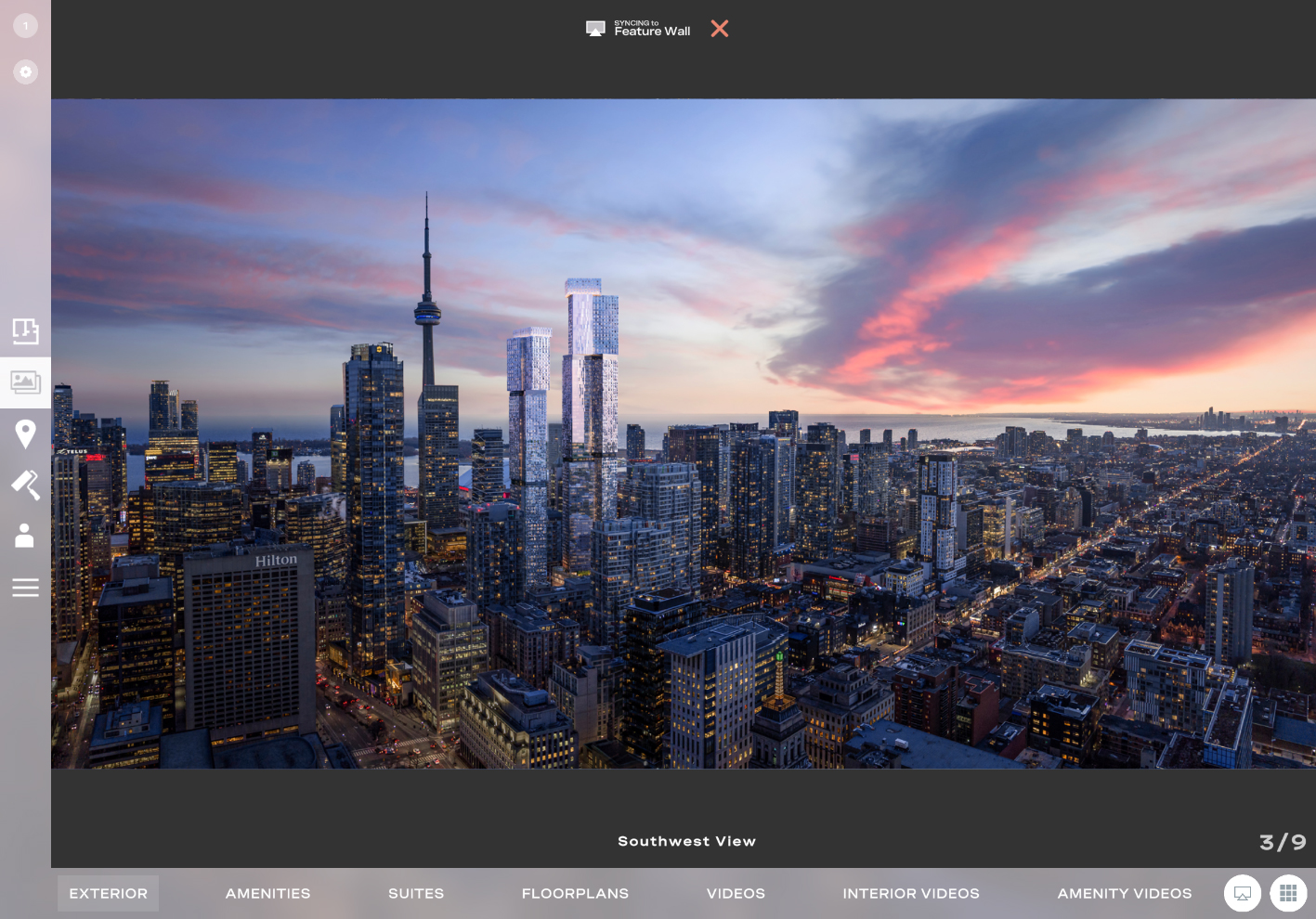
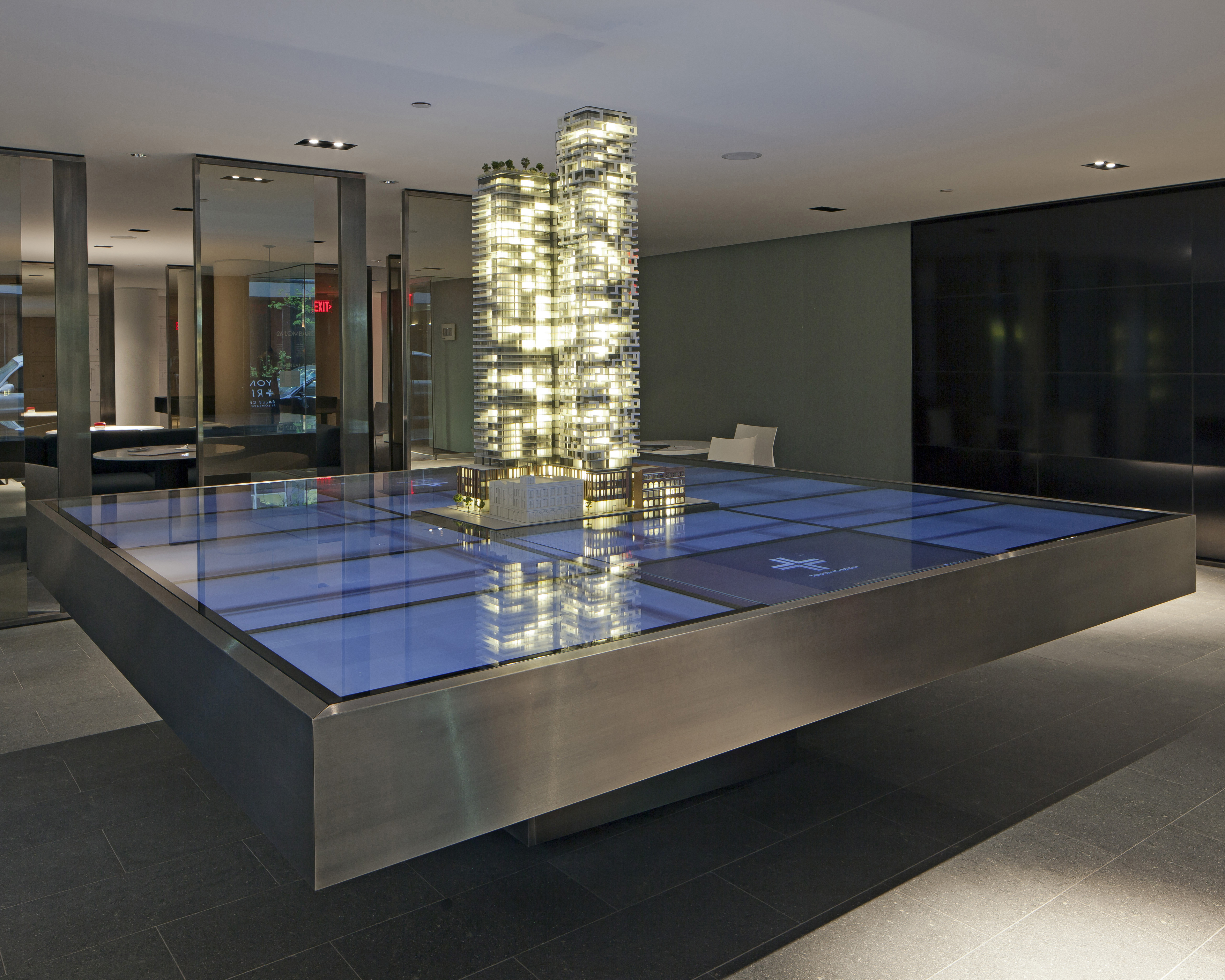
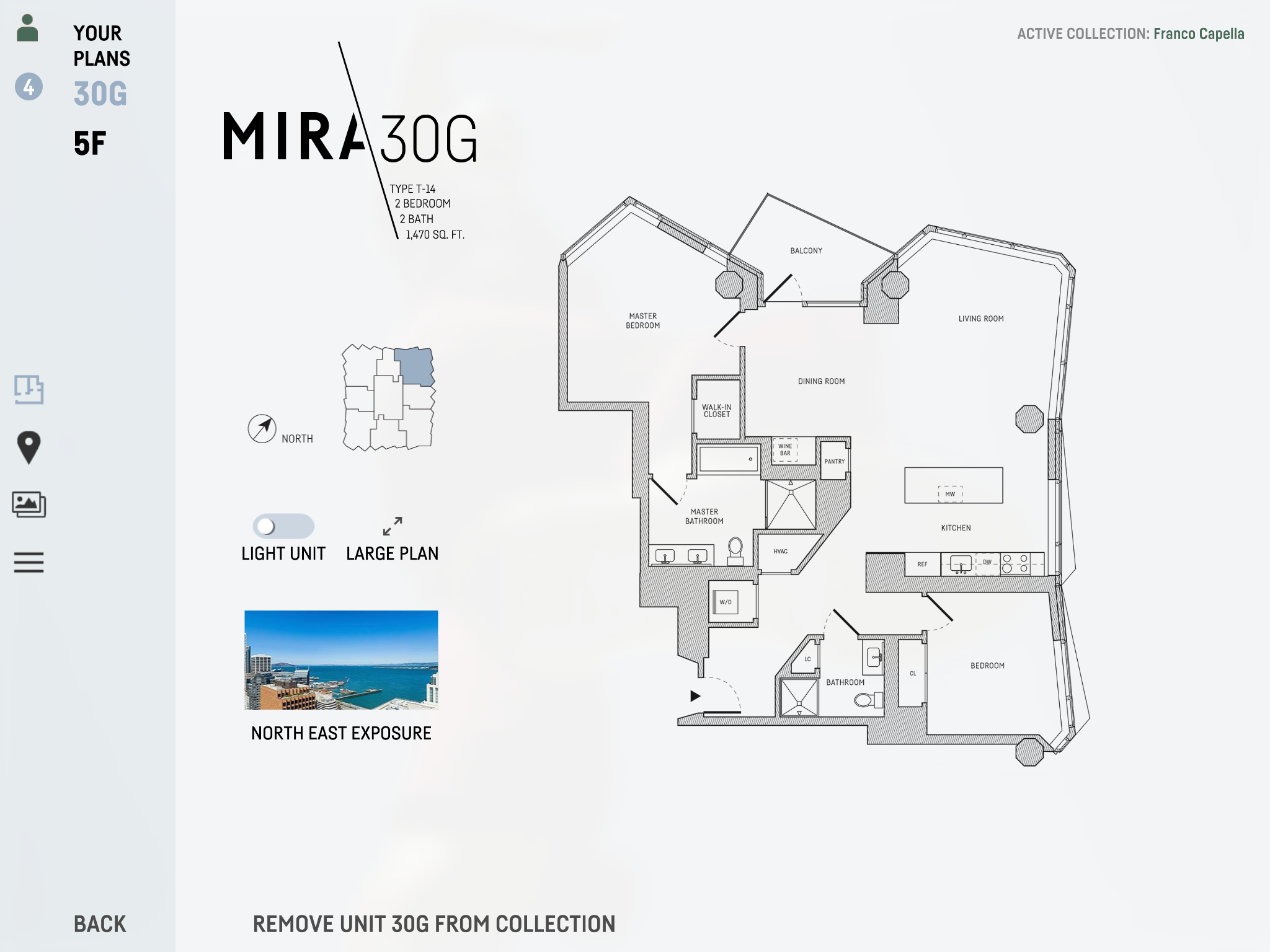
The iPad controller at Forma is designed to take control of any display in the sales centre. That includes a large feature wall, 2 touchscreen displays, and 3 design/closing room displays. It supports a continuous sync feature, where after a display is selected as the target, every action is automatically mirrored to that display. The iPad supports both unit illumination control on a physical building model, and 3D exploration on an immersive building. 
Tablet Example

Mari iPad

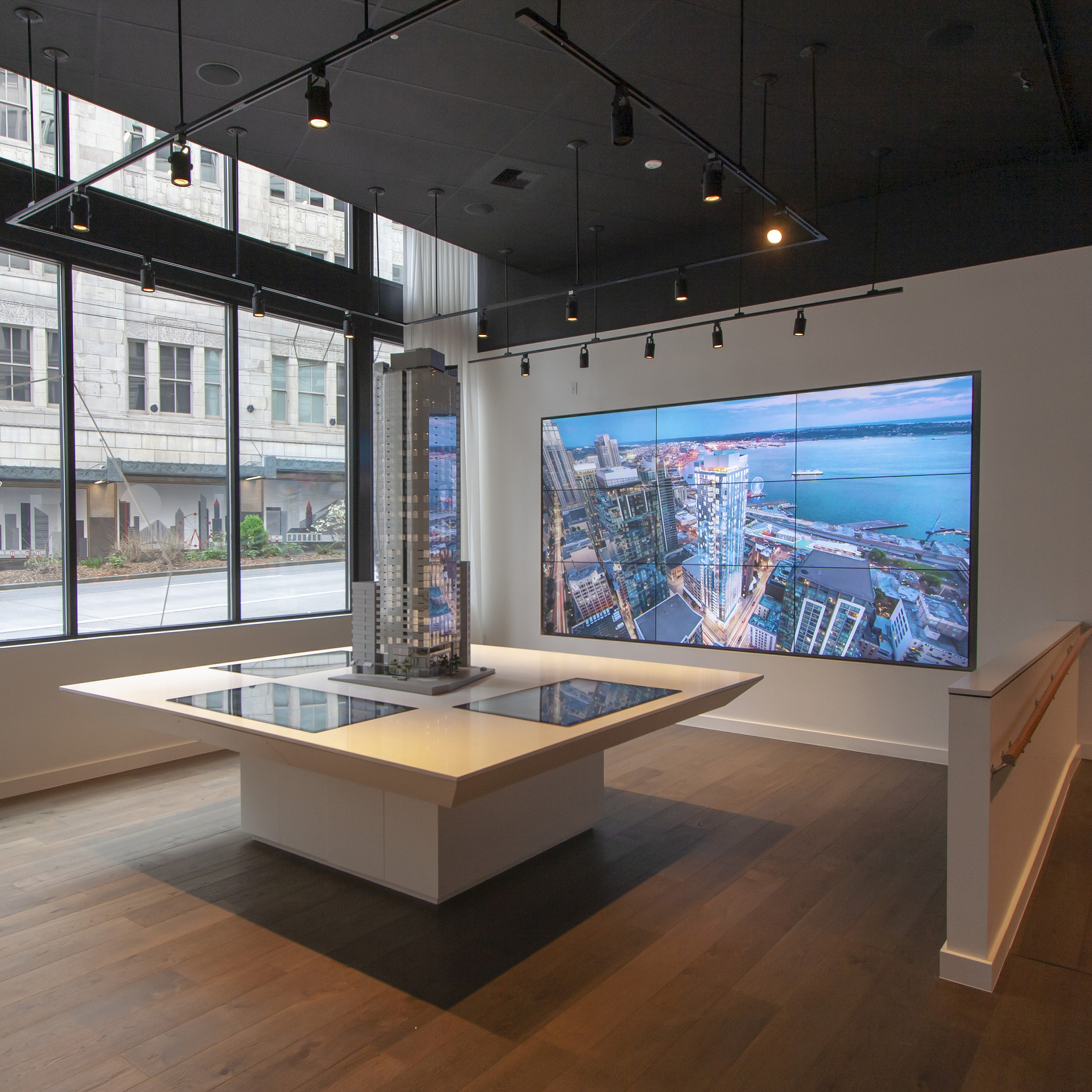
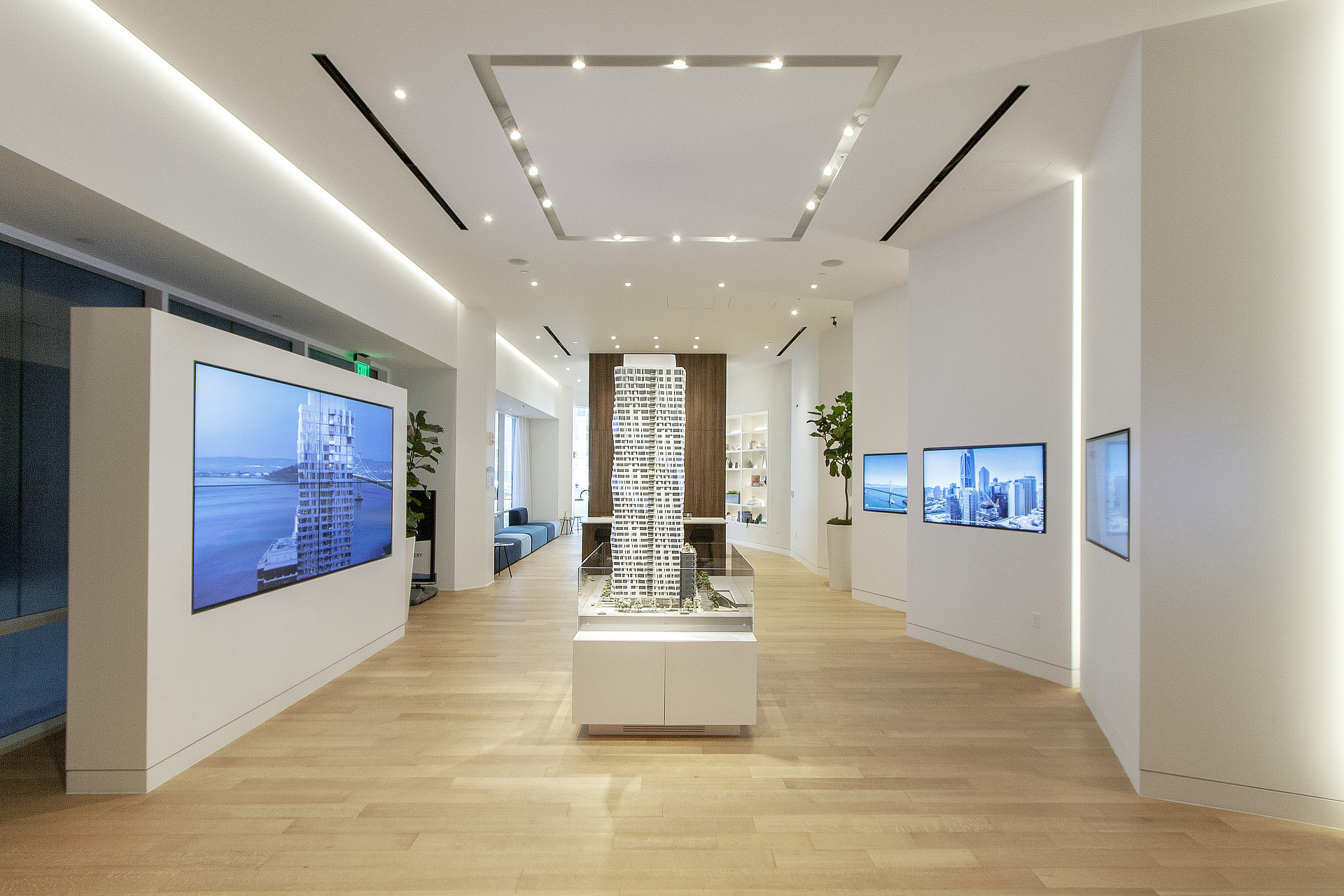
The iPad controller at Mari is designed to control two large format displays in the presentation centre. Up to two simultaneous tours can be taking place in the main space. The iPad is also capable of illuminating units on the physical building model. 
Sales centre control

One Steuart Lane

In this example, a recreation of the iPad controlling the large feature wall and model walls demonstrates how tours were presented at One Steuart Lane. 
Sales centre control

Forma Feature Wall

The feature wall at Forma supported expansive content across the entire array. Content was presented in a manner to make use of and blend in with the display bezels. 
Forma
3D Touchscreen example

Forma

A touchscreen application with a real-time 3D building model for unit exploration, plans, views, amenities and more.
3D Touchscreen example

Serif

The 3D scene at Serif incorporated both a 3D model of the building, but also extensive context of the surrounding city. 
Elevation Touchscreen Example

The Emerald

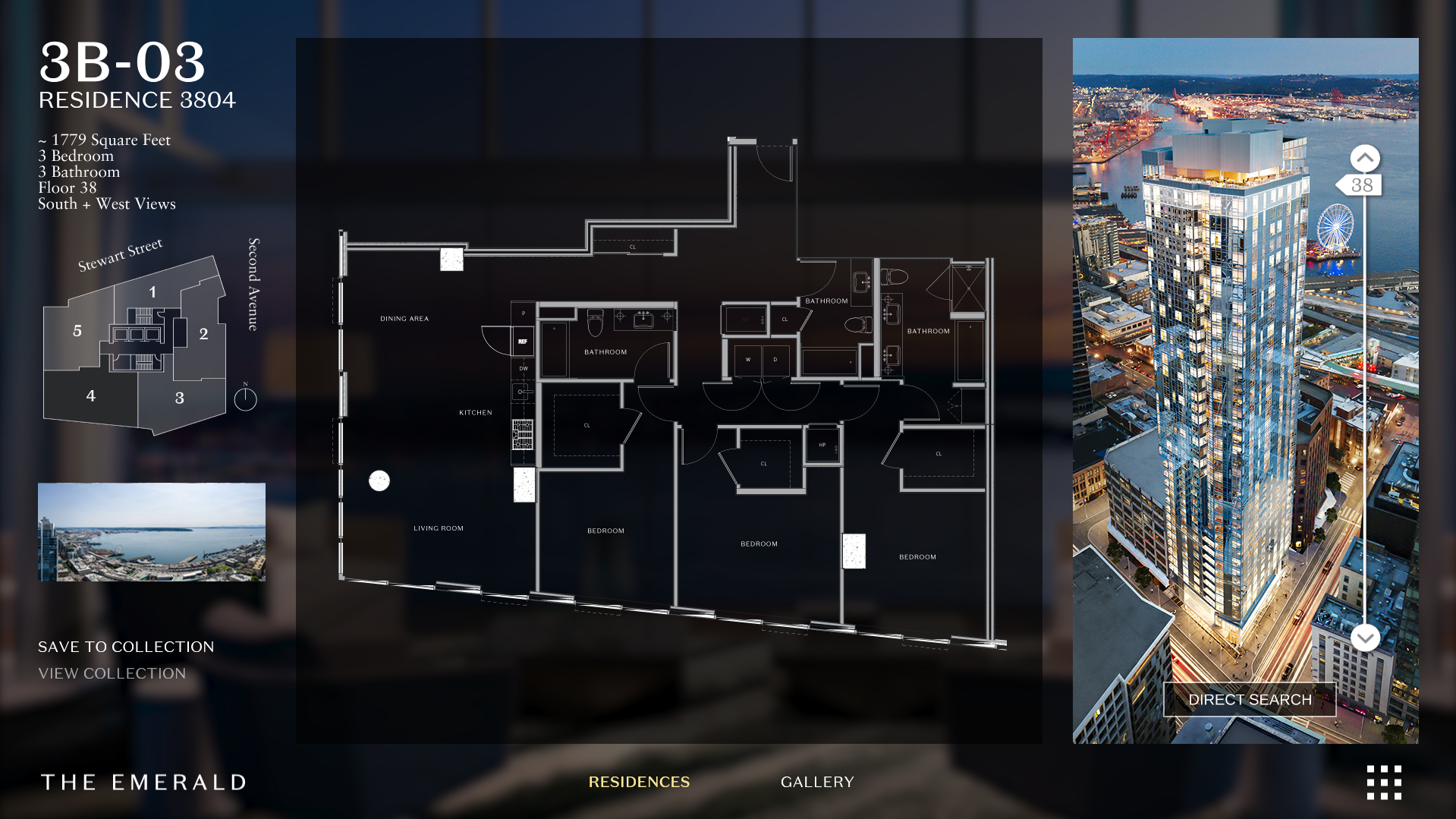
A unique floor selection interface allows users to swipe up and down along the building.

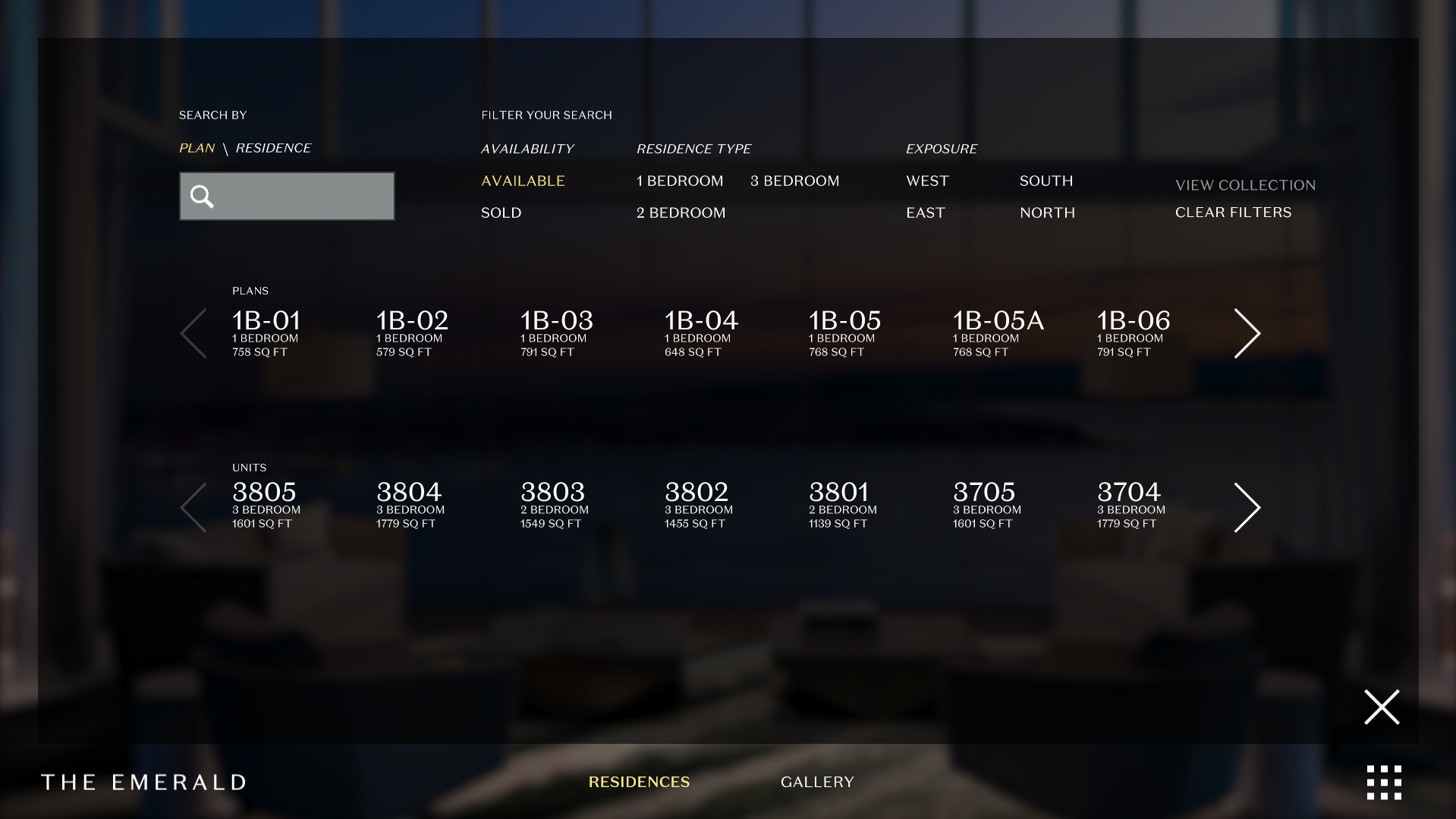
A more traditional searching interface is also available for those who know precisely which unit or plan they're looking for.
The Emerald
Integration

Suite Lighting

Building models with suite lighting can be integrated into the interactive applications. We have experience communicating with lighting controllers from a number of vendors, and can work with others to tie their model lighting systems into our software.
integration

Salesforce

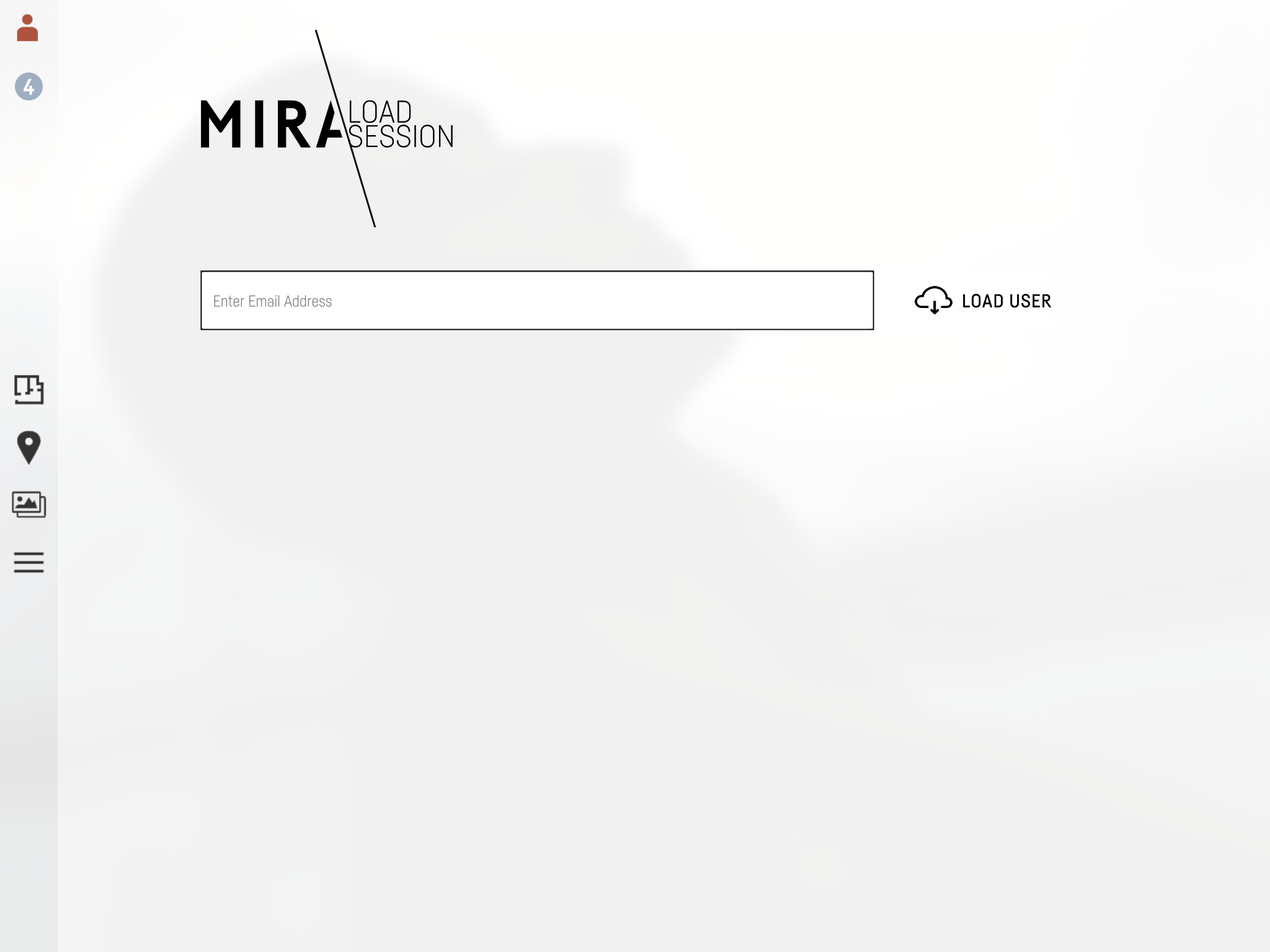
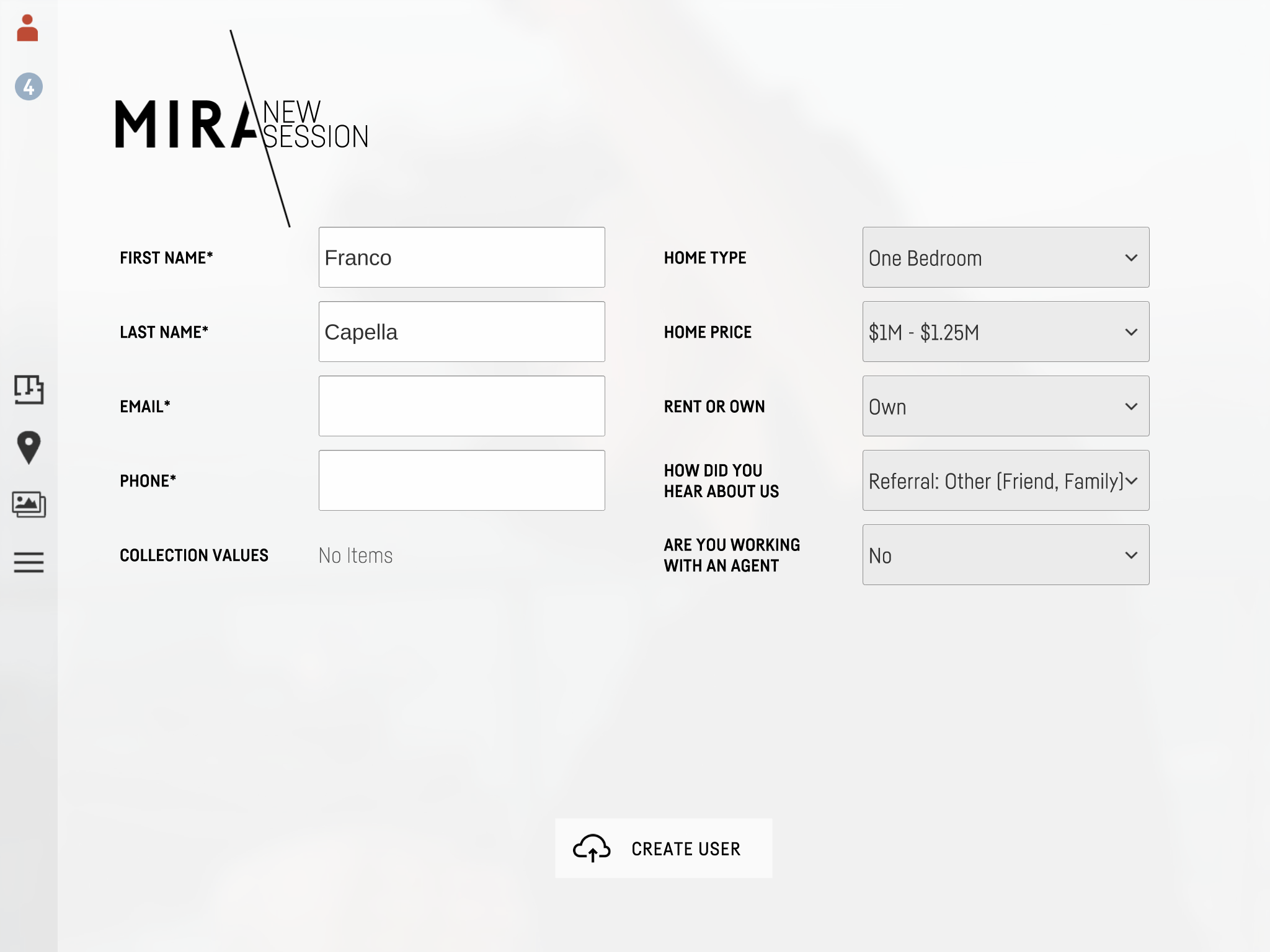
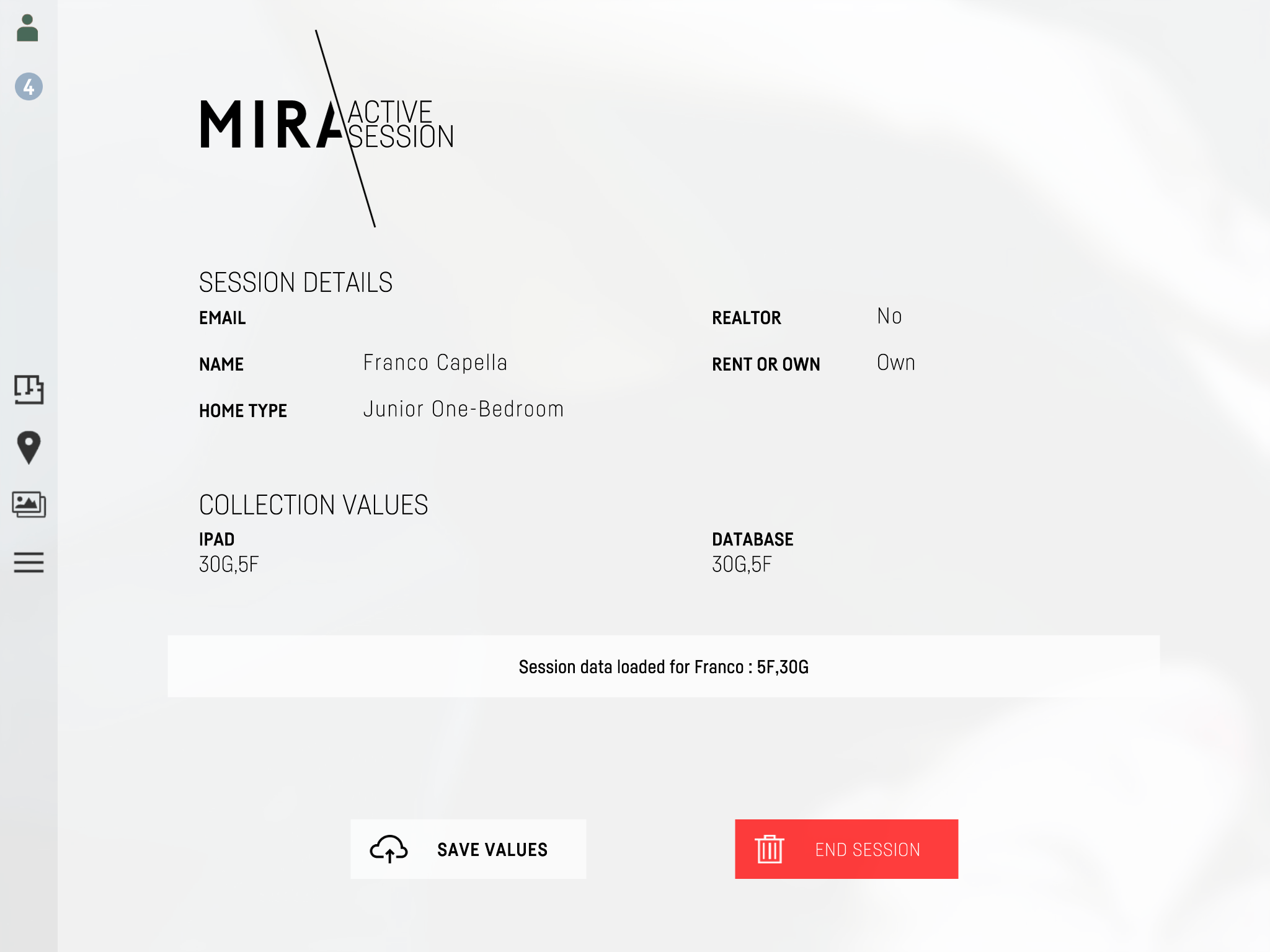
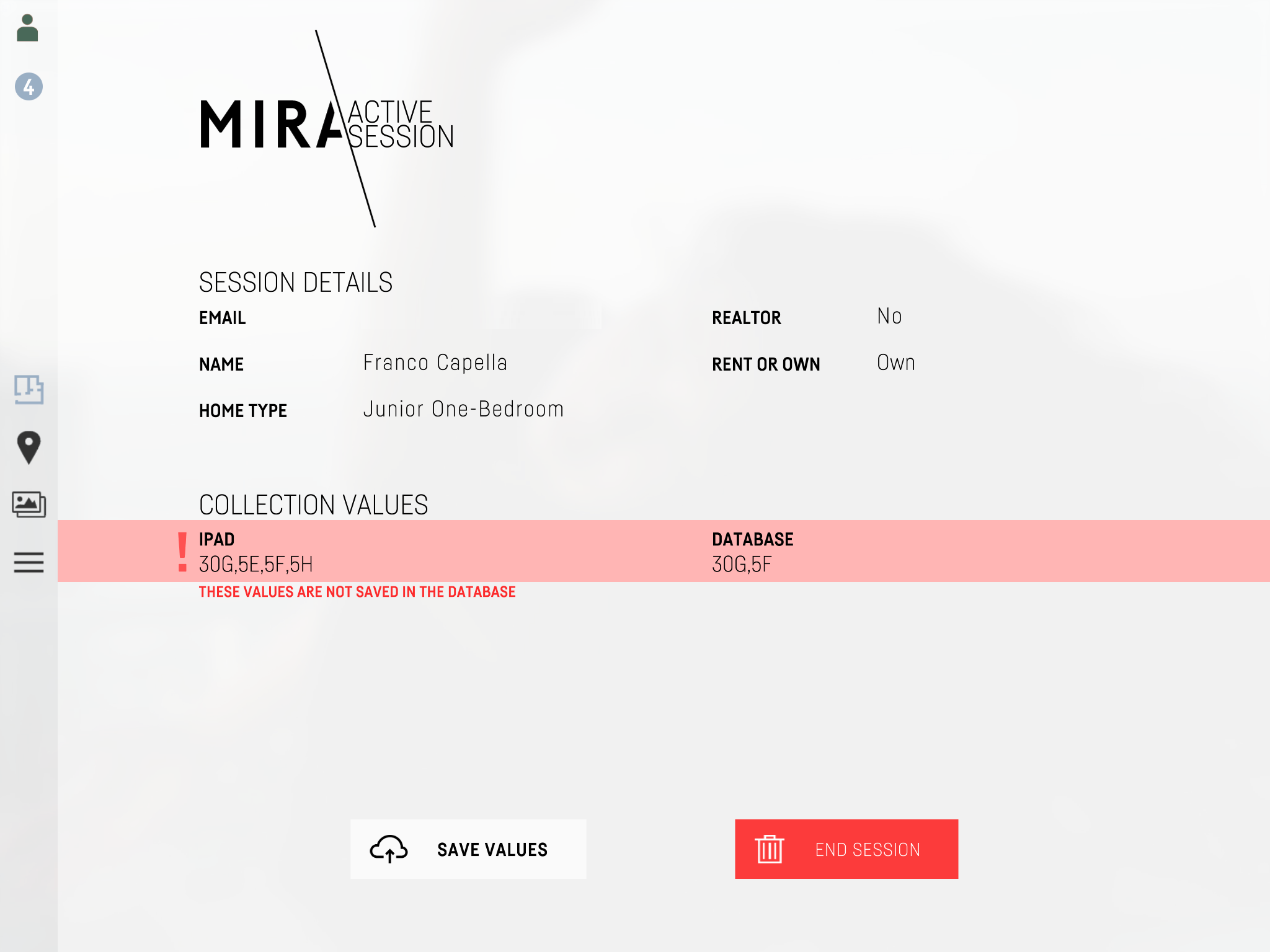
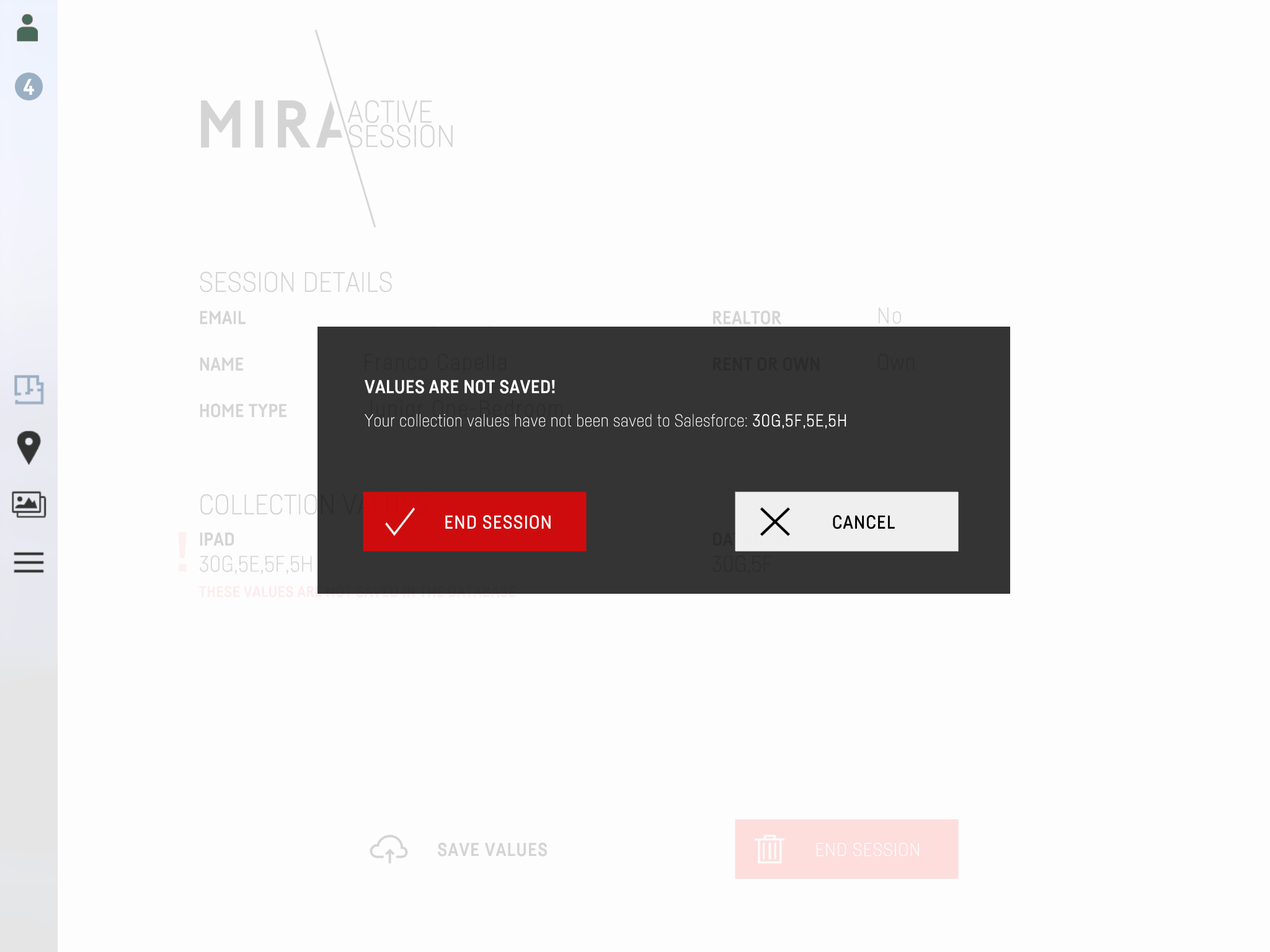
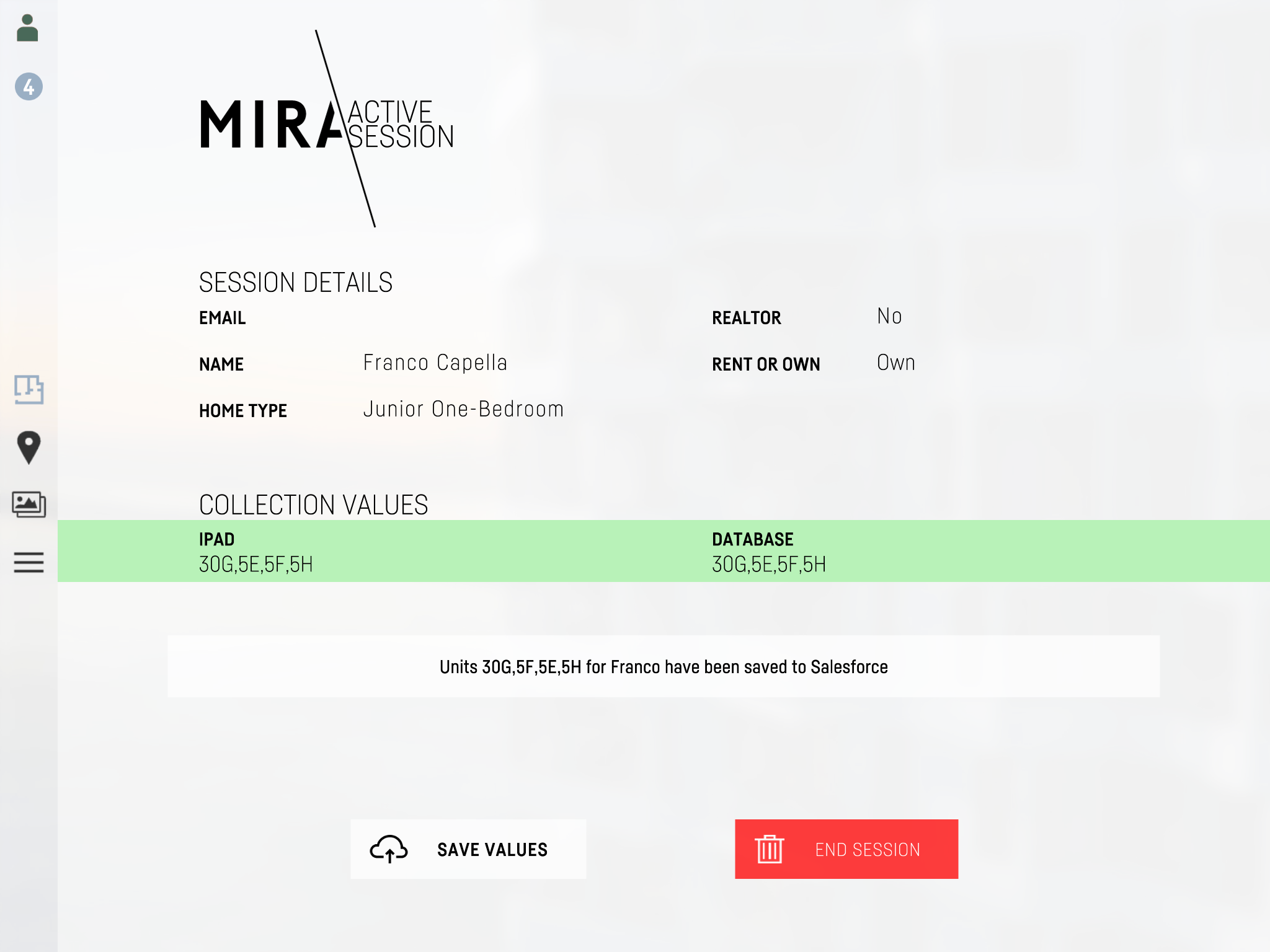
Integrated into the tablet experience, Salesforce data can be loaded and modified by sales agents. They can create new records for lead registration, save a collection to a record, and load a collection from an existing record.
Feature

Panoramic Views

Panoramic views are natively supported in the interactive applications. They can be projected to displays and controlled via an iPad.